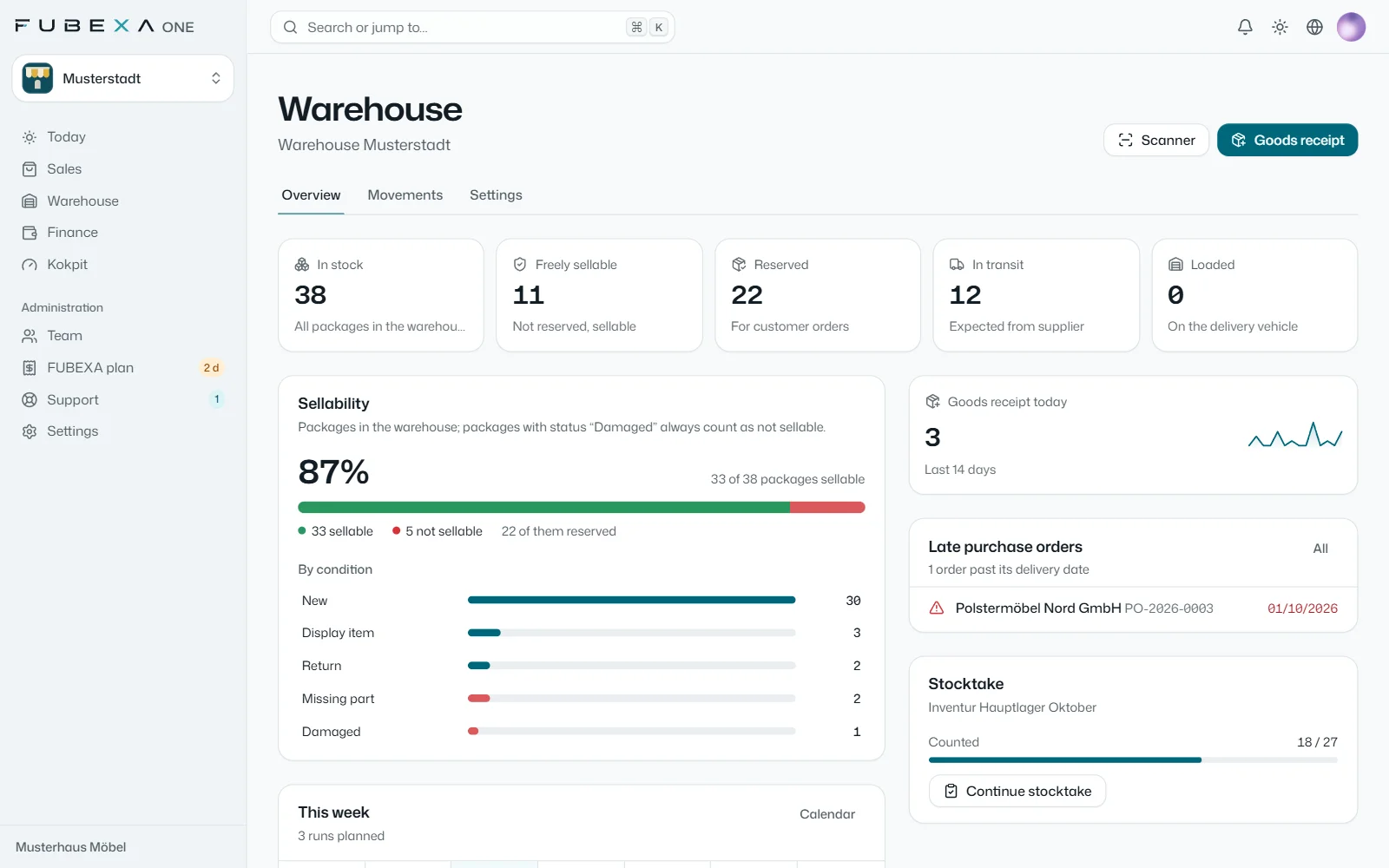
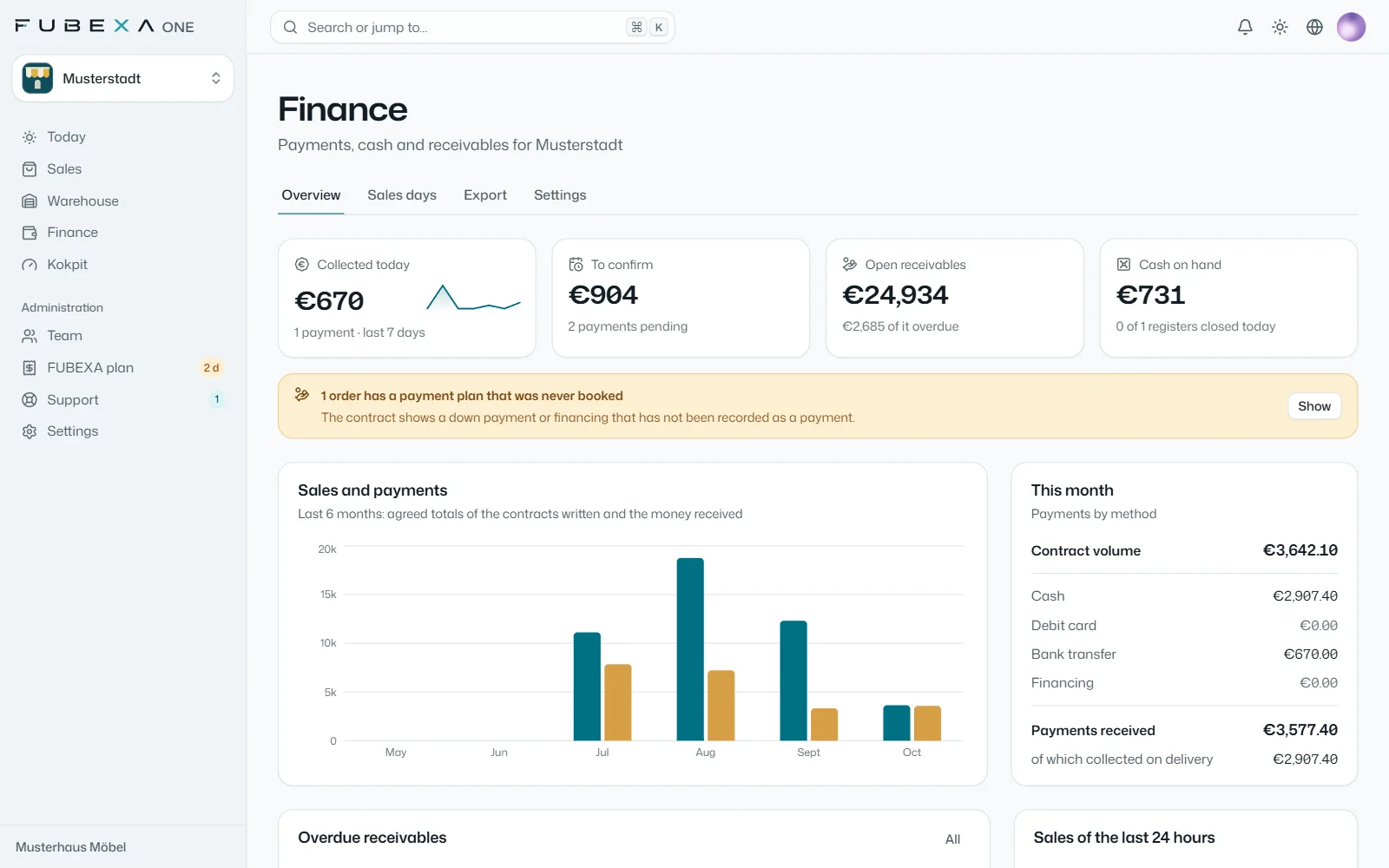
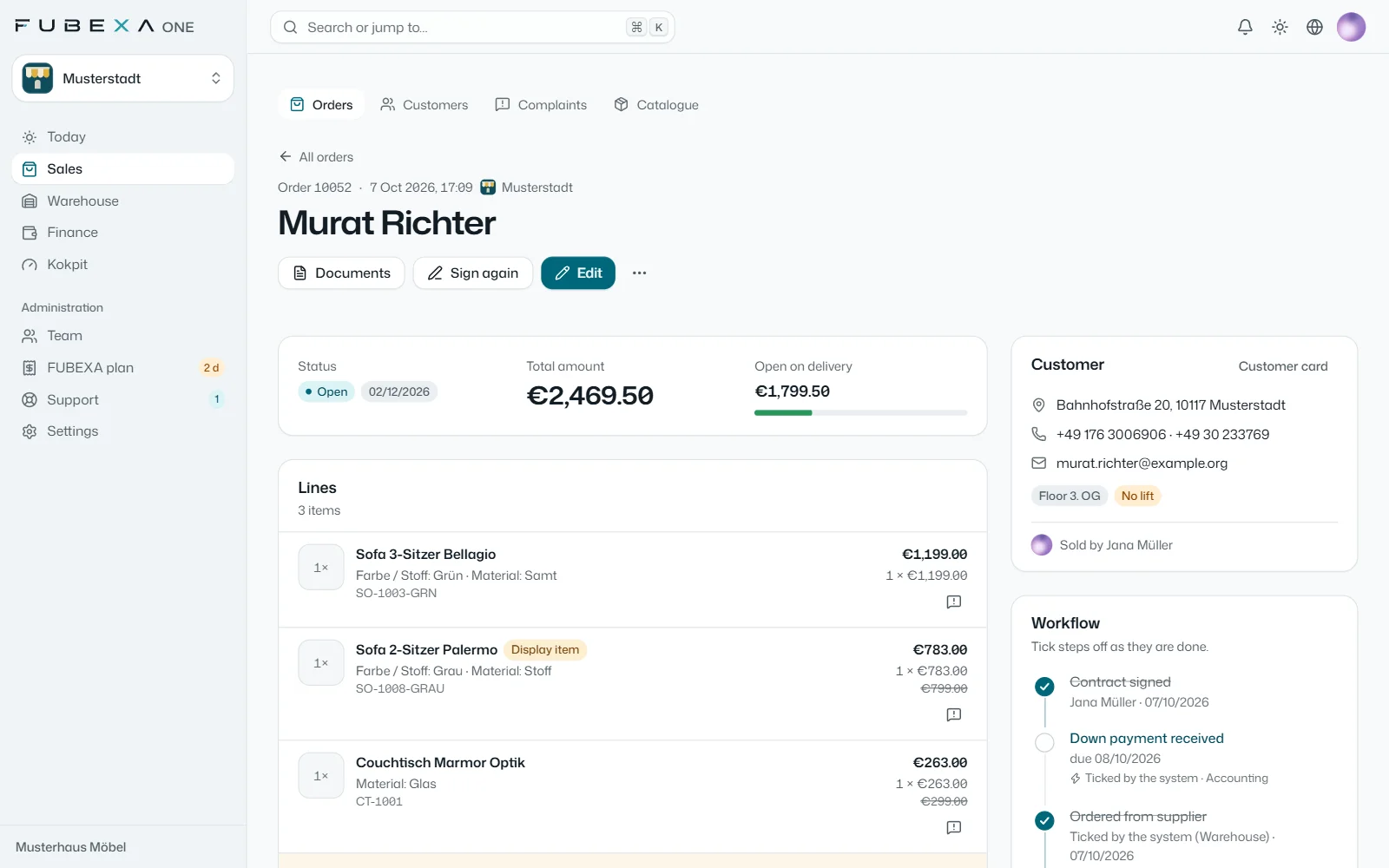
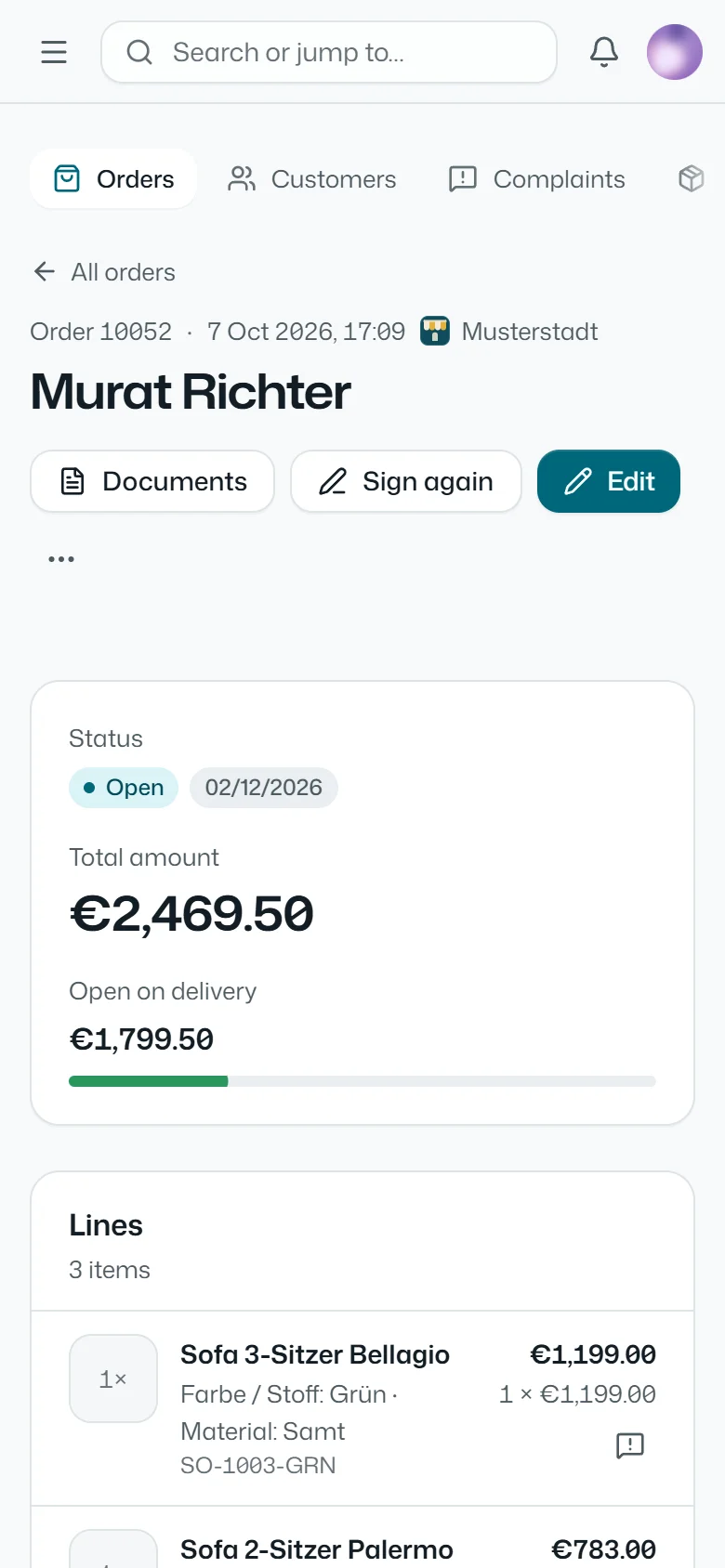
One business. One platform.FUBEXA ONE keeps sales, warehouse, finance, suppliers and accounting in step.
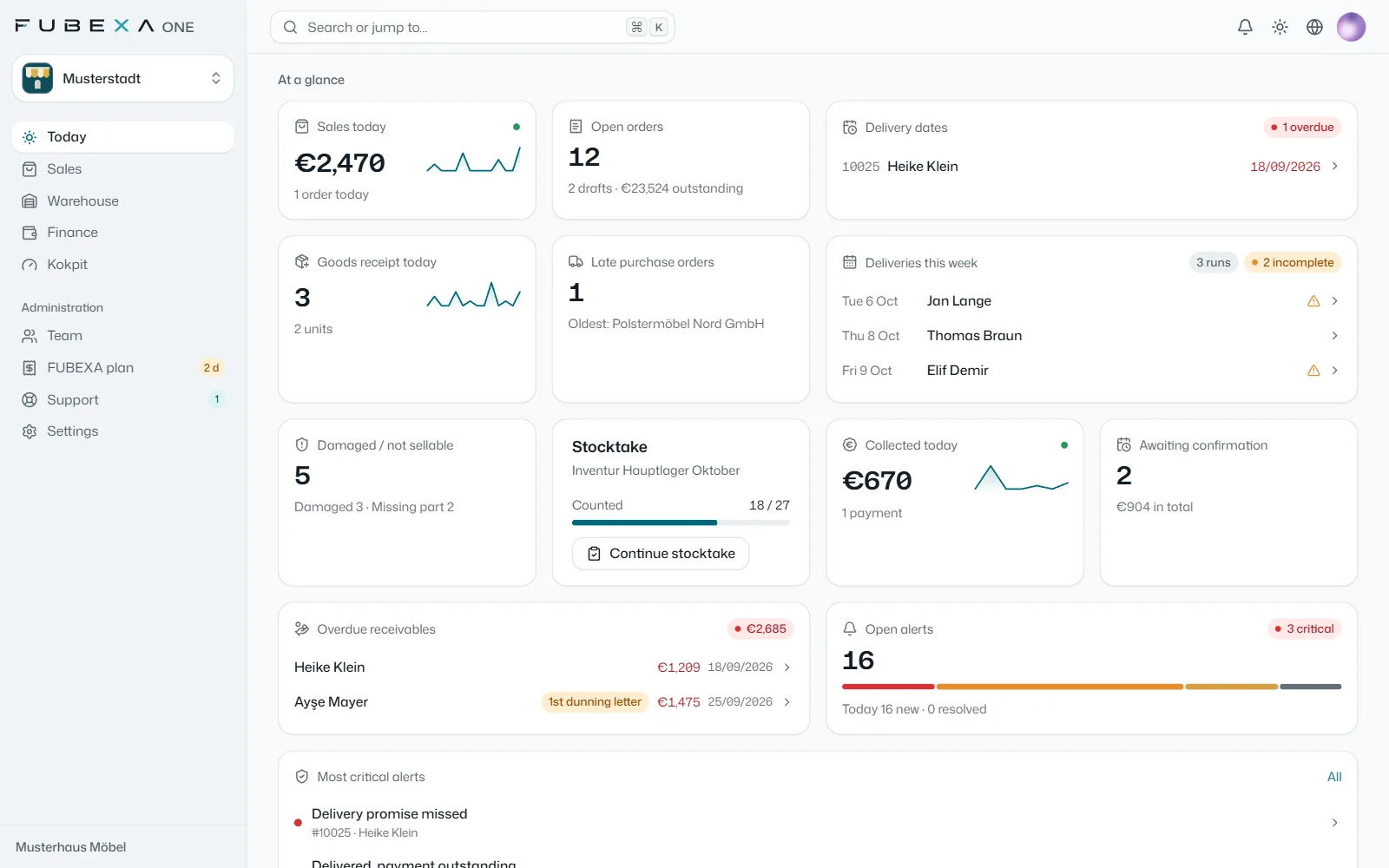
FUBEXA ONE is the platform for furniture and interiors retailers. Like an orchestra, it connects sales, warehouse and till – and, if you use them, JTL-Wawi and DATEV. The cockpit checks every day that everything matches, and the daily briefing sums up each morning what needs doing today.
Grown out of systems that run every day at a furniture retailer in Germany.
Start for free in three steps
No sales appointment, no brochure: you see FUBEXA ONE straight away under your own business name – free of charge and without payment details.
1Register
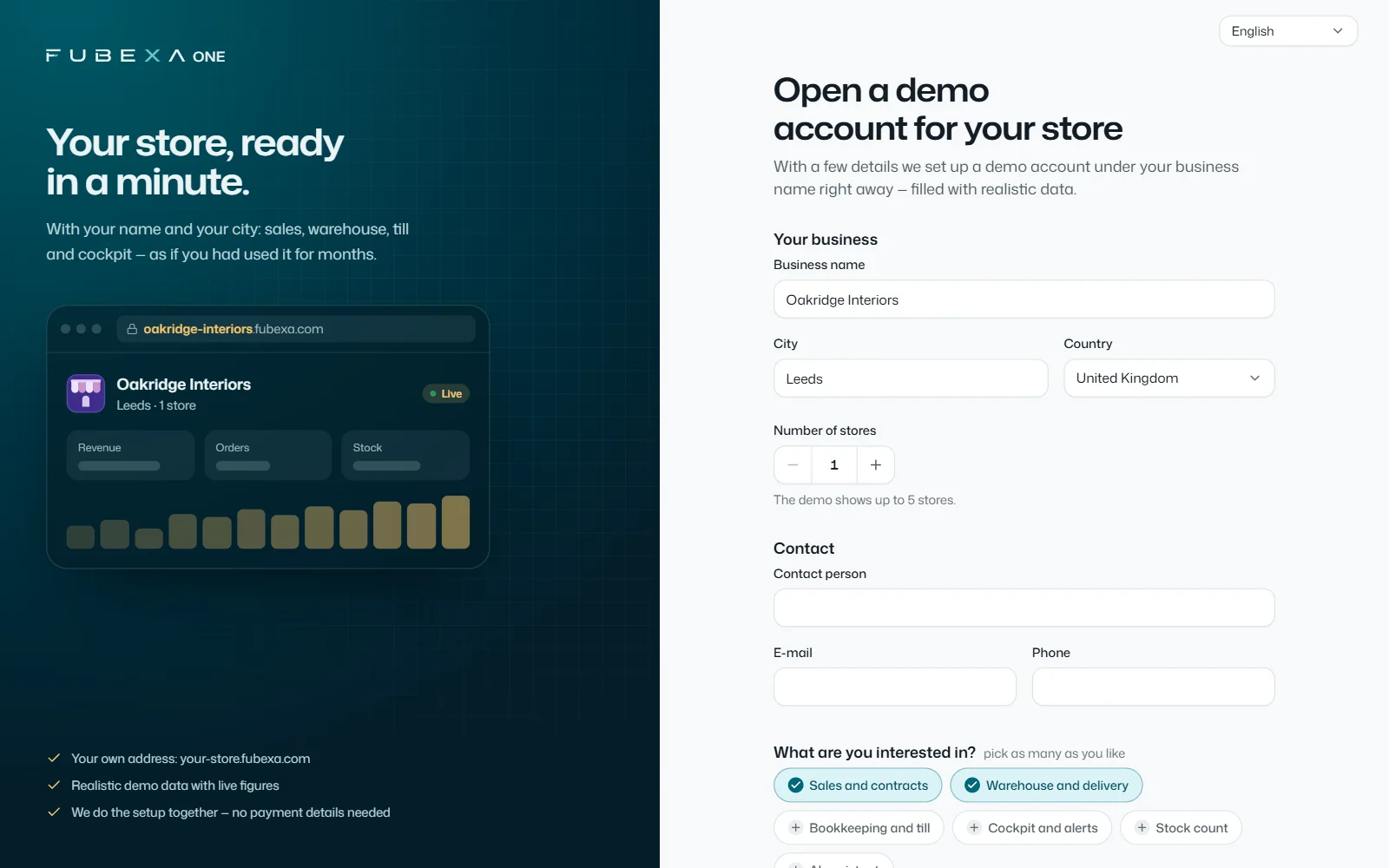
Company name, town, number of stores and your contact details – that’s all it takes. As soon as you confirm your email address, the account is ready.
2See it with sample data
At your own address, a business with your name is waiting: orders, warehouse, till and cockpit with realistic sample data. The figures on the home screen update live.
314 days of Pro with your data
With one click you start the trial with your own data – no payment details, the trial ends automatically. You import products and customers from Excel or CSV; our team helps with setup, about 2 hours by remote access.
Free account: see sample data under your company name straight away; with one click you then start 14 days of FUBEXA ONE Pro with your own data – no payment details, the trial ends automatically.
Every furniture retailer works with different suppliers, a different ERP system and a different tax adviser. FUBEXA ONE brings sales, warehouse and finance together and reads JTL-Wawi and DATEV if you use them – set up by our team.
Suppliers
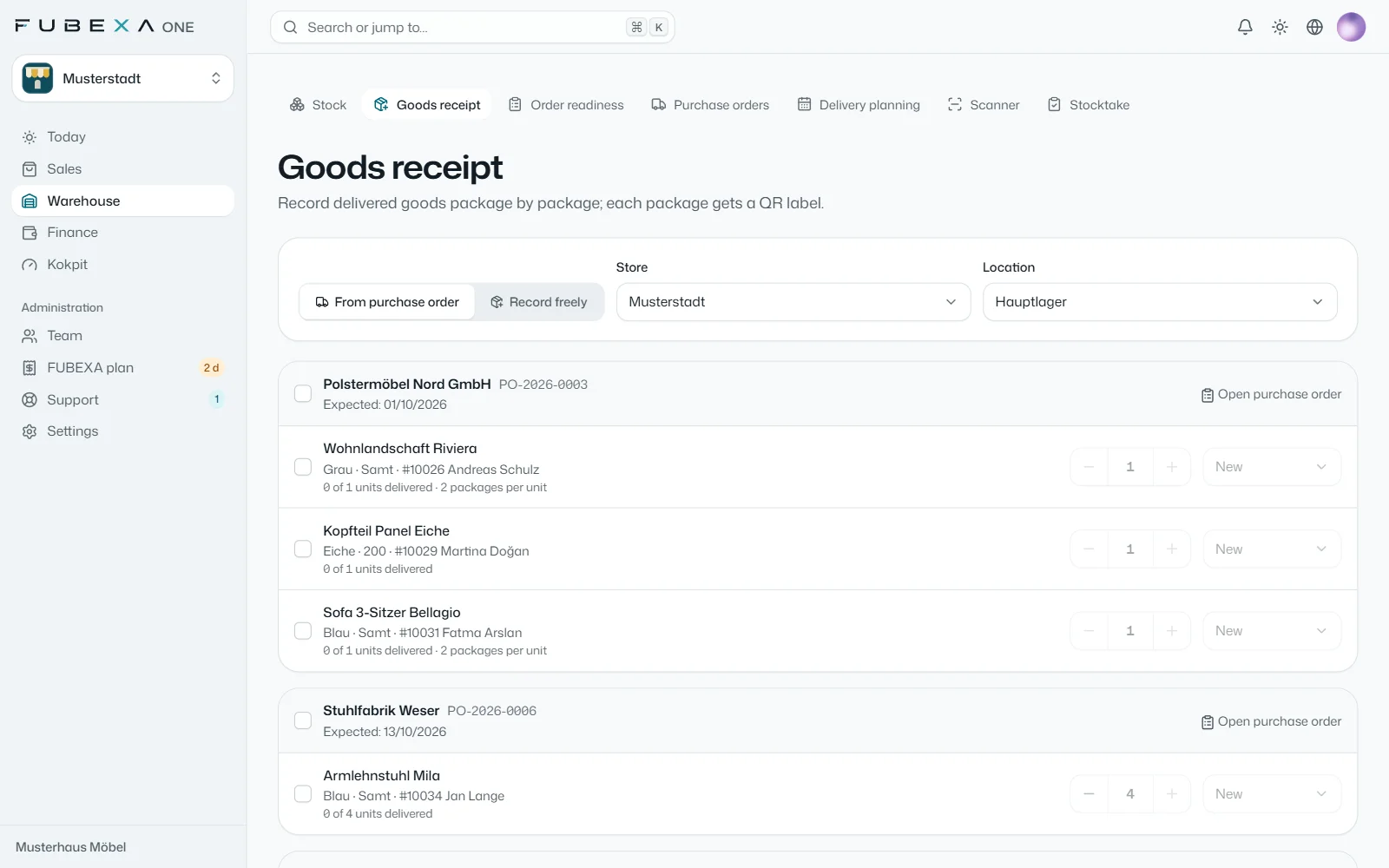
Open orders become supplier orders in FUBEXA Lager; goods-in and reservation run through the same order.
ERP systems like JTL-Wawi
If you use JTL-Wawi, it stays in charge: via the FUBEXA Connector for Windows, FUBEXA only reads orders and payments and compares them with your sales contracts.
Accounting and DATEV
Payments, cash book, invoices and expenses go to your accounting as CSV files or a DATEV batch – with SKR03 or SKR04. FUBEXA only reads DATEV and shows it in the DATEV overview.
Import from Excel or CSV
You import products and customers from Excel or CSV – with a preview before anything is saved.
FUBEXA sets up every connection for you; you see the status of the connections in the cockpit.
Three packages
Prices per store per month, net of VAT. No setup fee, cancel monthly, each additional store 50% less.
Start
Sales, customers, staff
€89/ month per store
€79/ month per store
net, excl. VAT · cancel monthly
net, excl. VAT · paid yearly · €948 a year
Sales: sales contracts with signature and payment plan (deposit, balance due on delivery)
Customers, catalogue and complaints
Staff files and holidays
Staff rota
Daily briefing per role and the FUBEXA App for Android
Each additional store −50% The first store pays the package price, each additional store half of it. Example: 2 stores on Plus = €129 + €64.50 = €193.50 / month, excl. VAT.
Founding customers: 10 places until 31 December 2026 – Pro at the Start price of €89 per store per month, 24-month price guarantee, still cancellable monthly.
Change package at any time – we switch you over and your data stays as it is.
All prices are net prices plus statutory VAT. The offer is aimed exclusively at businesses within the meaning of § 14 of the German Civil Code (BGB). All prices and features
The four modules
Sales is the base. Warehouse, Finance and Cockpit are added depending on the package.
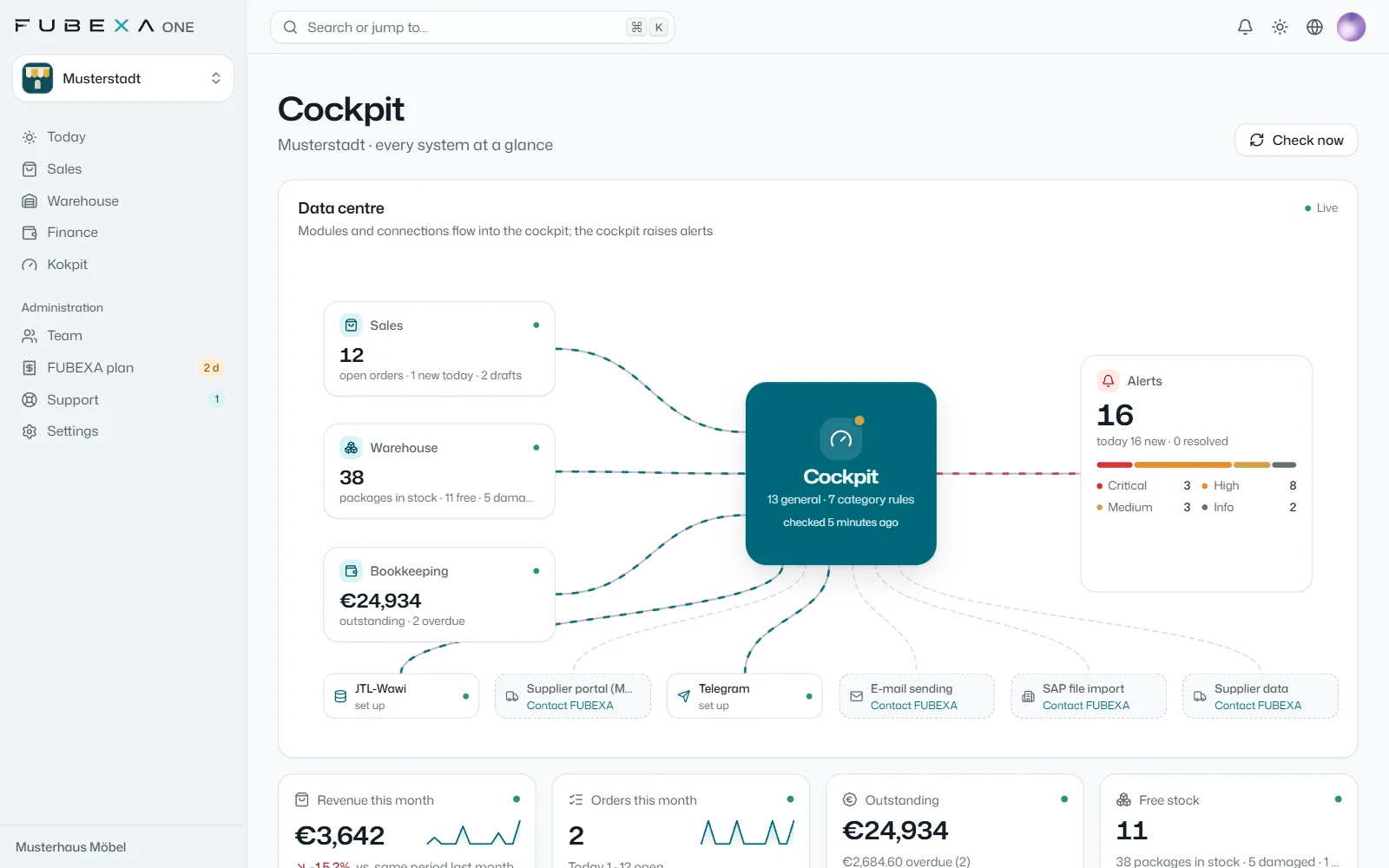
Data hub: sales, warehouse, finance, JTL-Wawi and DATEV on one screen
Check rules from furniture retail plus your own rules per category
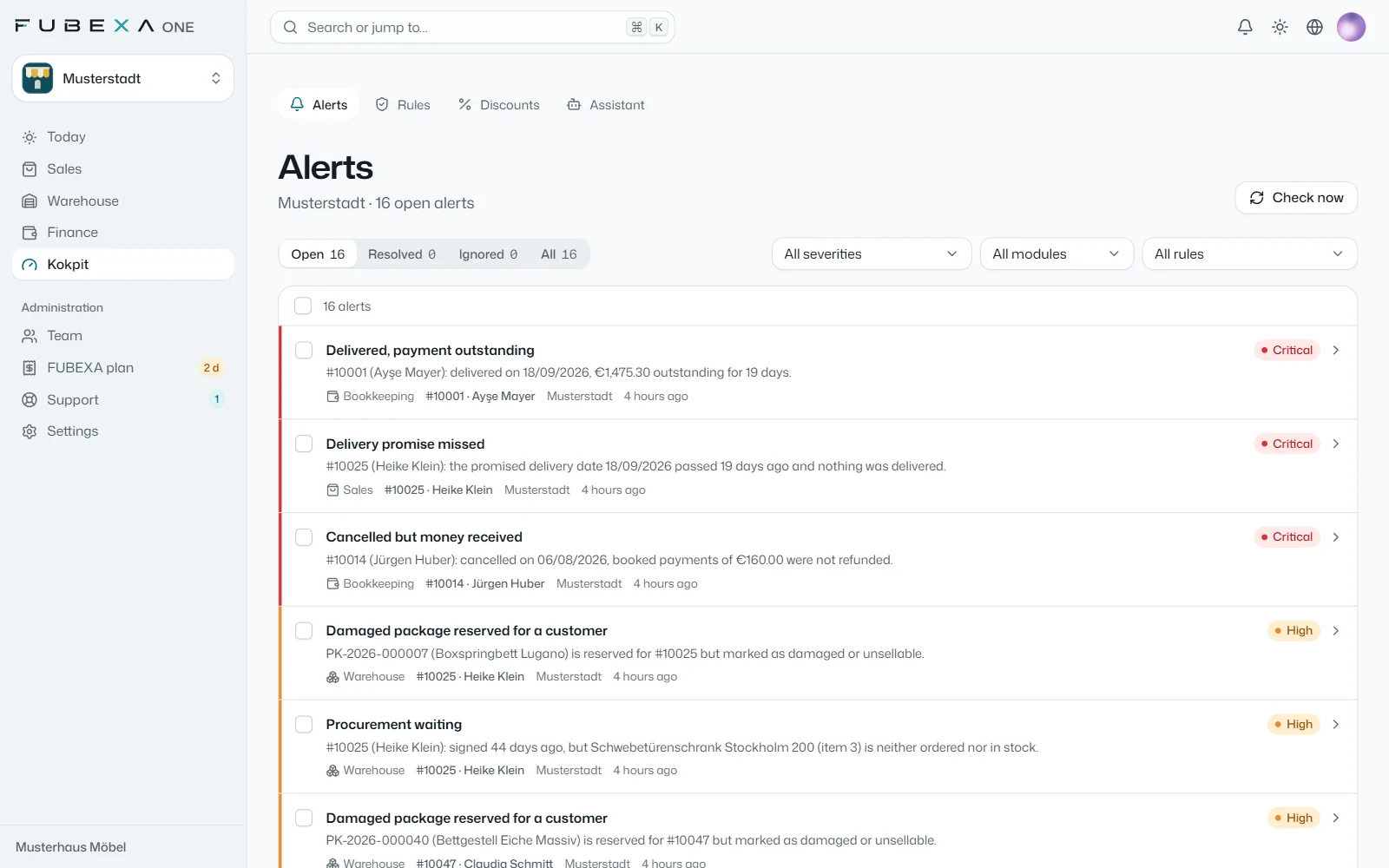
Alerts by urgency, each with order, module and next step
Discount limits per role and discounts per salesperson at a glance
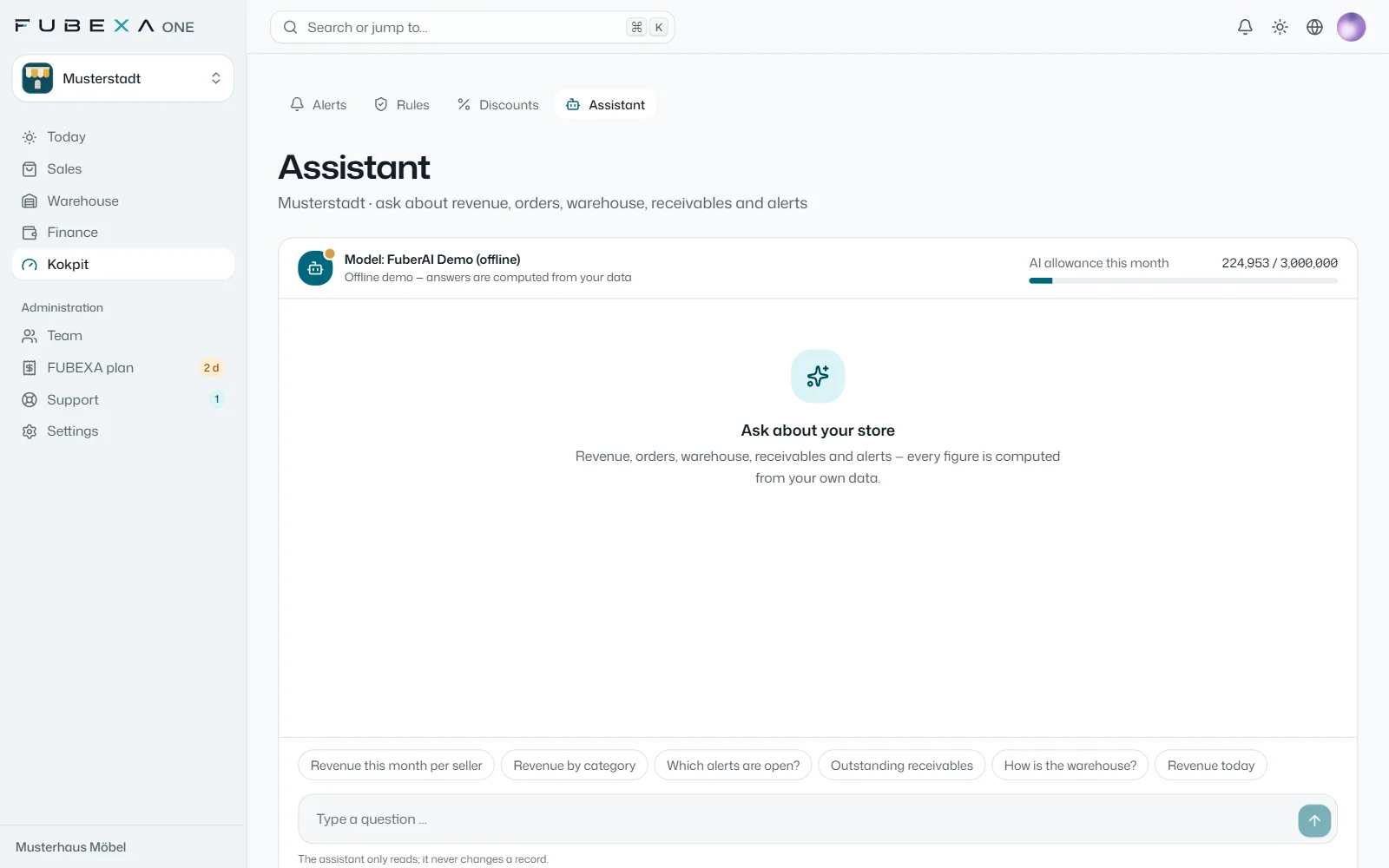
Change radar and assistant: questions by voice or text, answers from your data
Still working with other systems? In the free error scan, our team checks your exported data: Error scan
Daily briefing and assistant
FUBEXA ONE works with your business’s figures: every morning the daily briefing arrives, the assistant answers questions and the cockpit suggests check rules.
Daily briefing per role
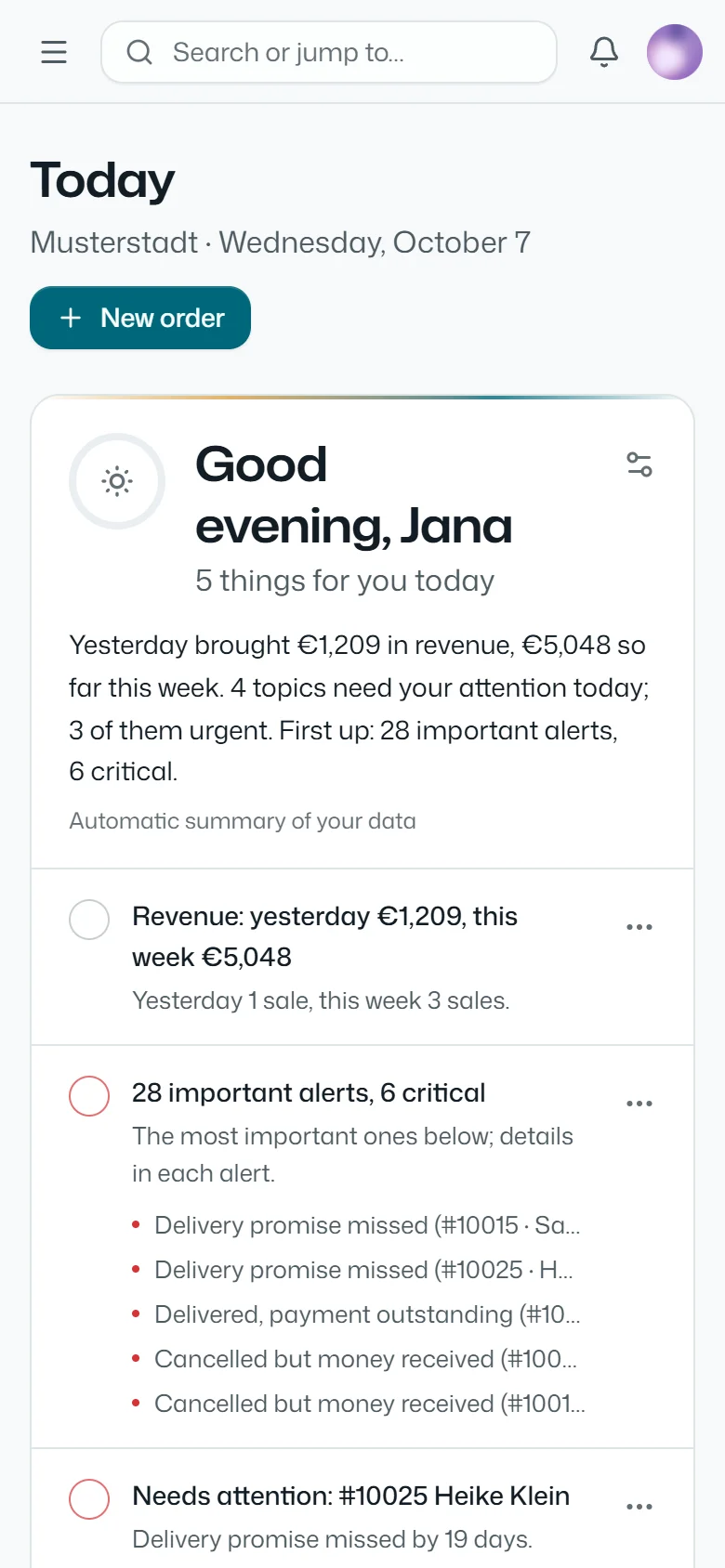
For management, sales, warehouse and accounting: what was sold yesterday, what is urgent today and which delivery dates are at risk – on the home screen and in the FUBEXA App, in every package.
Assistant in the cockpit
Ask by voice or text about revenue, orders, stock, open items or cockpit alerts. Every figure is calculated from your own data – in the Pro package.
Suggested rules
From your past orders, the cockpit suggests check rules per category, such as a required field for beds. You decide which ones apply.
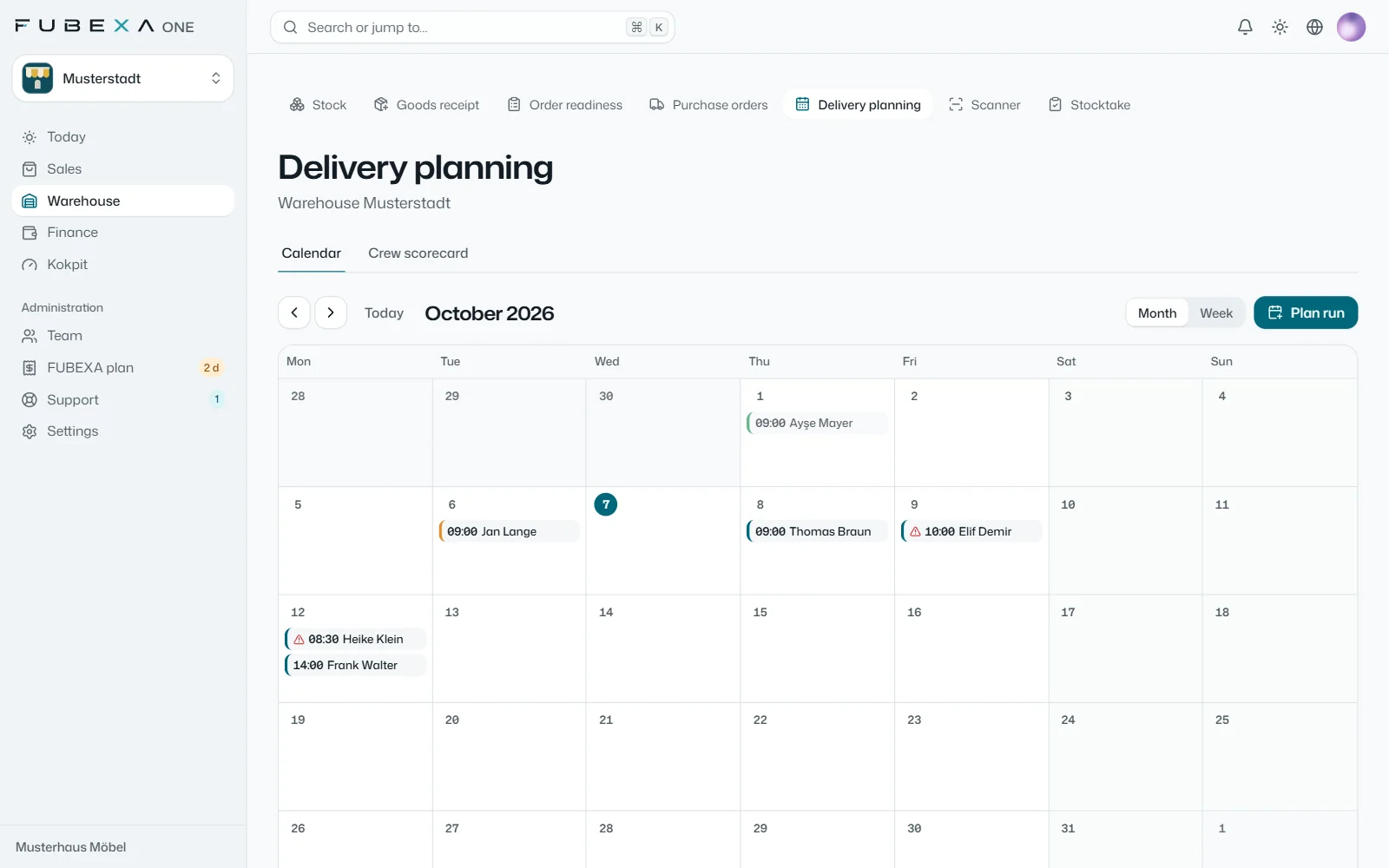
In delivery planning, you set the date, time window, vehicle and team for each delivery.
Order readiness shows which orders are complete in the warehouse; if the goods aren’t ready, FUBEXA warns you before the delivery is booked – and, if you wish, the delivery can then be blocked.
At handover, the customer signs; partial deliveries and the delivery note are part of it.
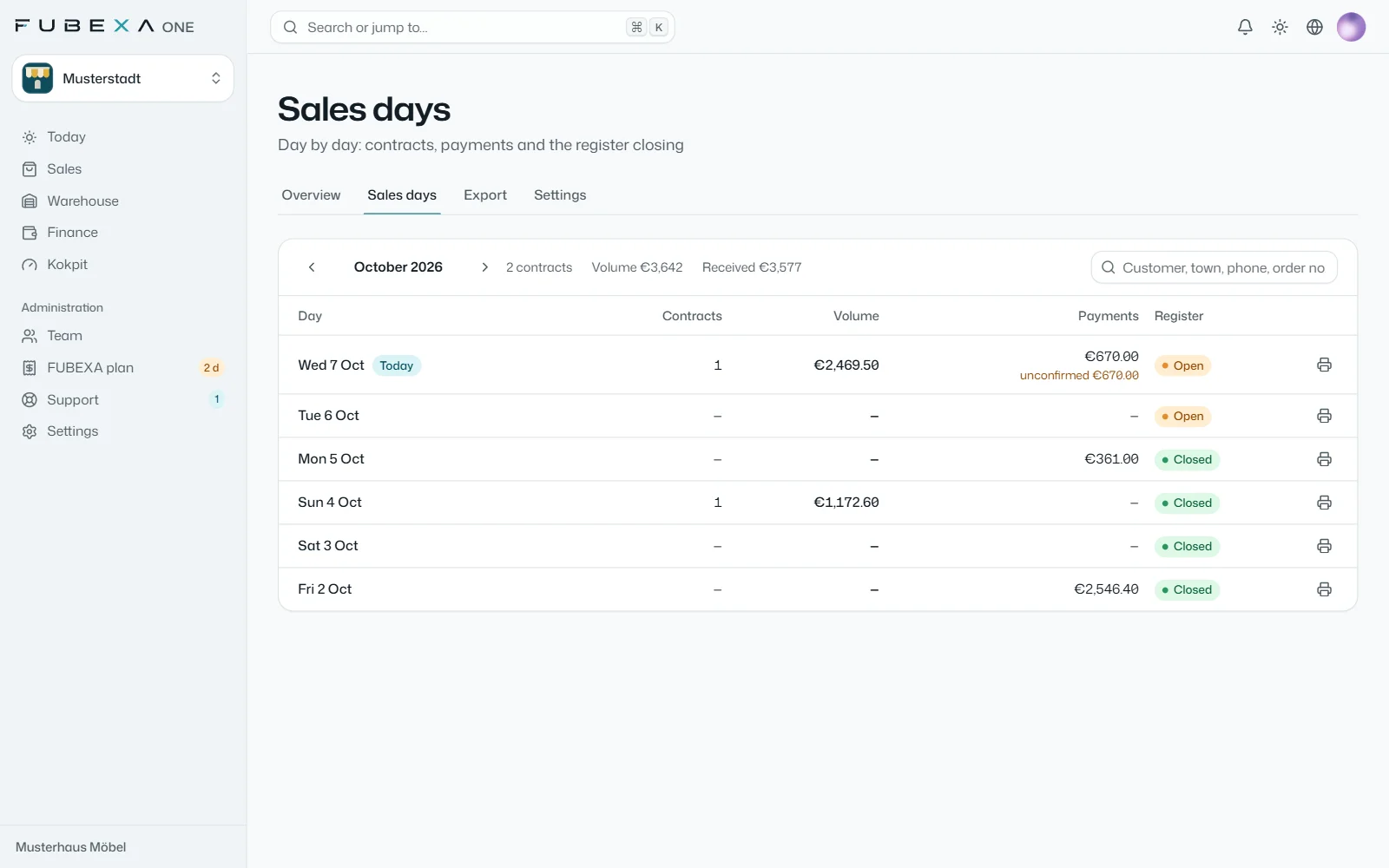
If the customer pays on delivery, you record the payment directly on the order.
Finally, a short review records how the delivery went: delay and reason, damage, the customer’s reaction.
Every company in FUBEXA ONE has its own database and its own address. Data from different customers never comes together.
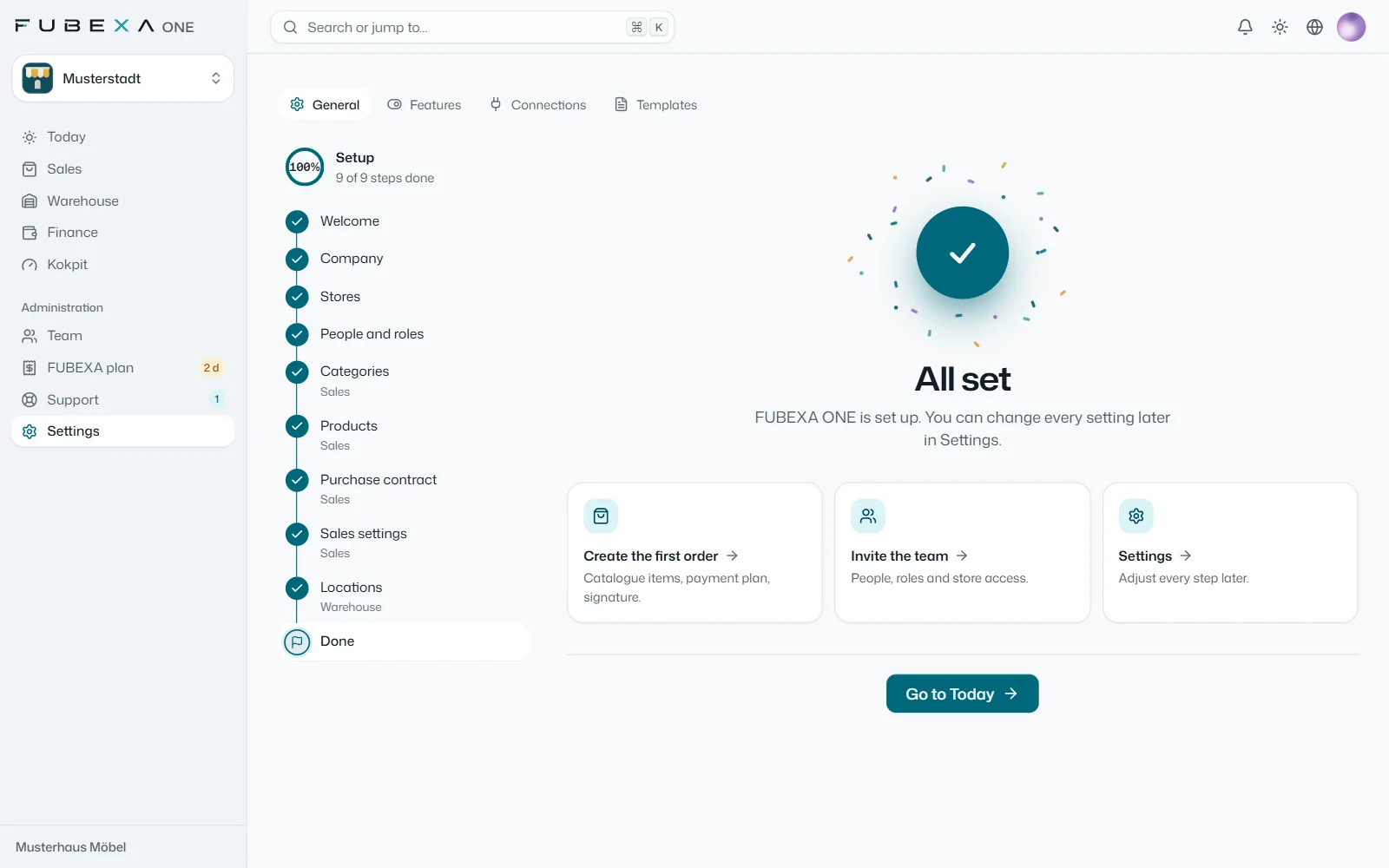
What the setup covers
Your company with its own database and its own address (your-store.fubexa.com)
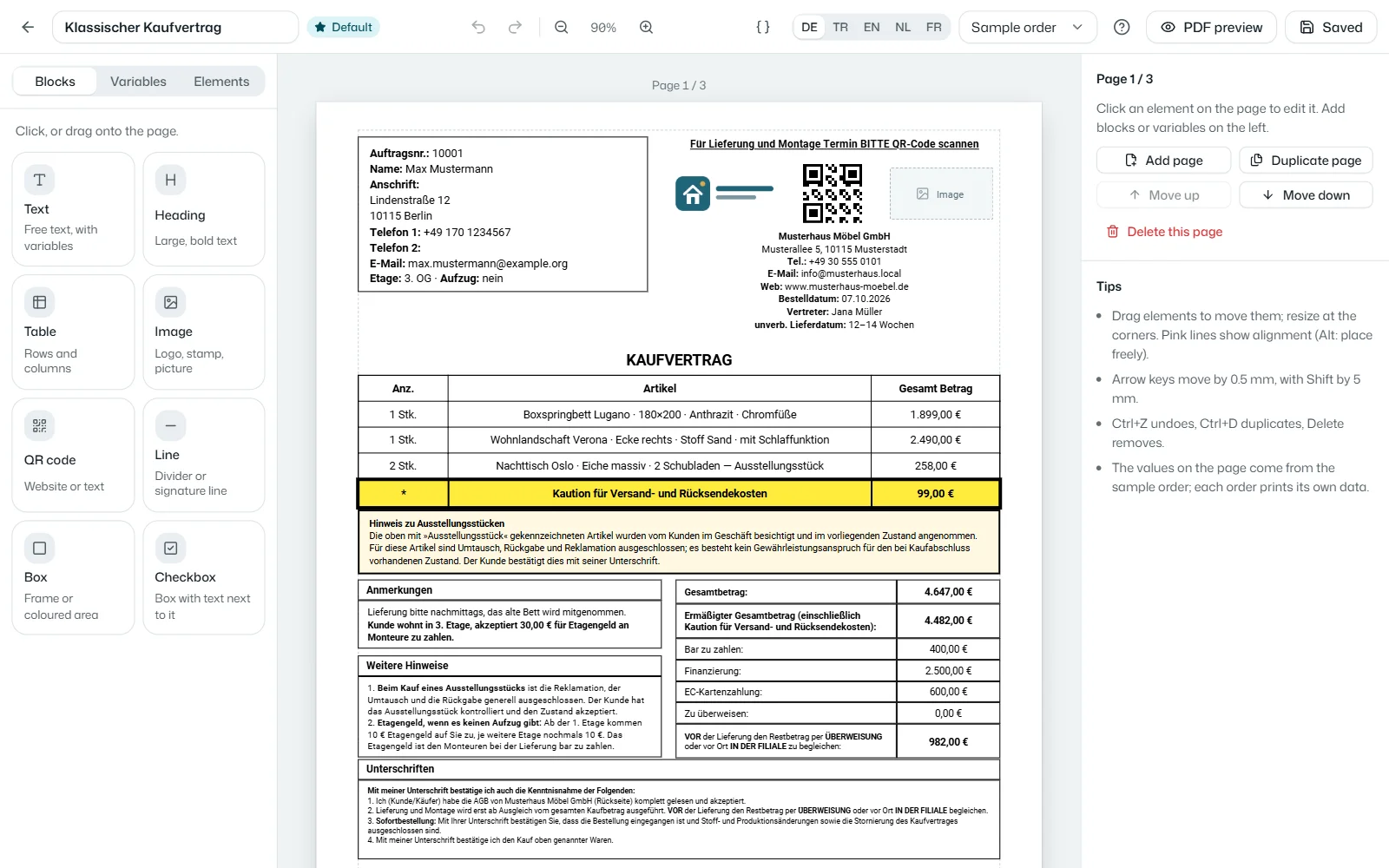
Stores, company details, logo and document templates
Team, roles and permissions – such as discount limits per role
Connection to JTL-Wawi and DATEV if you use them, and import of your products and customers from Excel or CSV
Existing data
Which data from your current systems is taken over – customers, catalogue, open orders or stock, for example – we agree with you before the start. Orders taken over are kept in a list of their own, so old cases do not trigger false alerts. For founding customers, FUBEXA migrates the open sales contracts in January.
Where FUBEXA ONE runs
In the browser – on a PC, a tablet and a phone, at your own address. FUBEXA takes care of operation, backups and updates. Where and by whom your data is processed, we agree in writing before the start.
You register with your company name, town and contact details and confirm your email address. Straight away you then see, at your own address, a business with your name and realistic sample data – orders, warehouse, till and cockpit. With one click you start 14 days of FUBEXA ONE Pro with your own data – no payment details needed; the trial ends automatically.
Does our company get its own address?
Yes. Every company gets its own subdomain, such as your-store.fubexa.com. That is where you and your team sign in; all of your company’s stores sit in this one account.
Which systems does FUBEXA ONE connect to?
JTL-Wawi and DATEV – both read-only via the FUBEXA Connector, a small reader program for Windows. You import products and customers from Excel or CSV. Our team sets up the connection with you during setup. FUBEXA ONE does not connect to other systems.
Which languages is FUBEXA ONE available in?
The interface of every module – Sales, Warehouse, Finance and Cockpit – is available in German, Turkish, English, Dutch and French; each user chooses their own language. Purchase contracts, delivery notes and receipts are printed in your company’s document language, one of these five languages.
Which devices do we need? Is there an app?
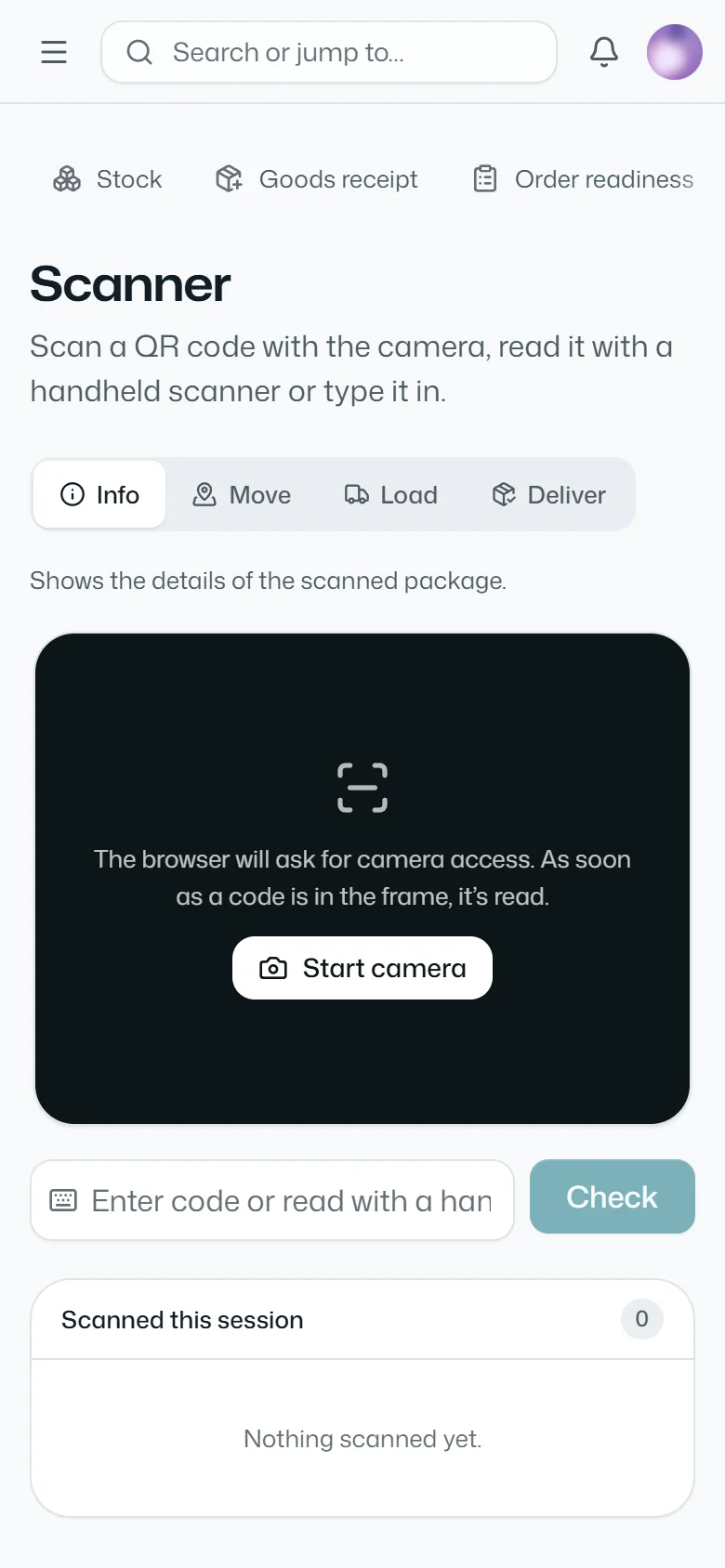
FUBEXA ONE runs in the browser: on PCs, tablets and phones – with on-screen signatures and, from Plus, the scanner using the phone camera. You don’t need to install anything. For Android phones there is also the FUBEXA App, in every package; it shows the modules of your package: the scanner with Warehouse from Plus, cockpit alerts and the assistant in Pro.
What about data protection and external services?
Each company has its own database; data from different customers never comes together. Only FUBEXA sets up the connections to JTL-Wawi and DATEV, and only on your instructions. The assistant answers questions only from your company’s data. Login is possible with two-factor confirmation; changes to orders, payments and signatures are logged. Where and by whom your data is processed is set out before the start in a data processing agreement.
Is FUBEXA ONE a cash register with a TSE?
No. Finance keeps payments and cash books, but it is not a certified cash register and has no TSE, the security device German law requires for electronic tills. Please check with your tax adviser which requirements apply to your cash sales.
How many users are included?
As many as you need, in every package. Management sets up roles and permissions – with templates for management, sales, warehouse, accounting and staff – down to the discount limit per role.
We have several stores. How is that billed?
Prices are per store per month; each additional store costs 50% less, and from 6 stores Enterprise pricing is available on request. In FUBEXA ONE, all of your company’s stores sit in one account: you switch with one click or see them all together.
How long is the contract term?
FUBEXA ONE can be cancelled monthly, and there is no setup fee. Founding customers (10 places until 31 December 2026) get Pro at the Start price with a 24-month price guarantee – and can still cancel monthly.
Which package includes the FUBEXA cockpit?
The cockpit is part of FUBEXA ONE Pro: it checks orders, warehouse and payments against each other – and, where connected, against JTL-Wawi and DATEV – and shows alerts and the change radar. For data from other systems there is the free error scan: our team checks your exports and gives you a list of the discrepancies in euros.
Can I buy individual modules?
No, FUBEXA ONE comes in three packages: Start with sales and staff, Plus adding warehouse and time tracking, Pro adding finance, payroll preparation and the cockpit – plus Enterprise from 6 stores. You can change package at any time – we switch you over and your data stays as it is.
Can we take over our existing data?
Which data is taken over – customers, catalogue, open orders or stock, for example – we agree with you before the start, based on exports from your current systems. Orders taken over are kept in a list of their own. For founding customers, FUBEXA migrates the open sales contracts in January.
Does FUBEXA accept or make payments for me?
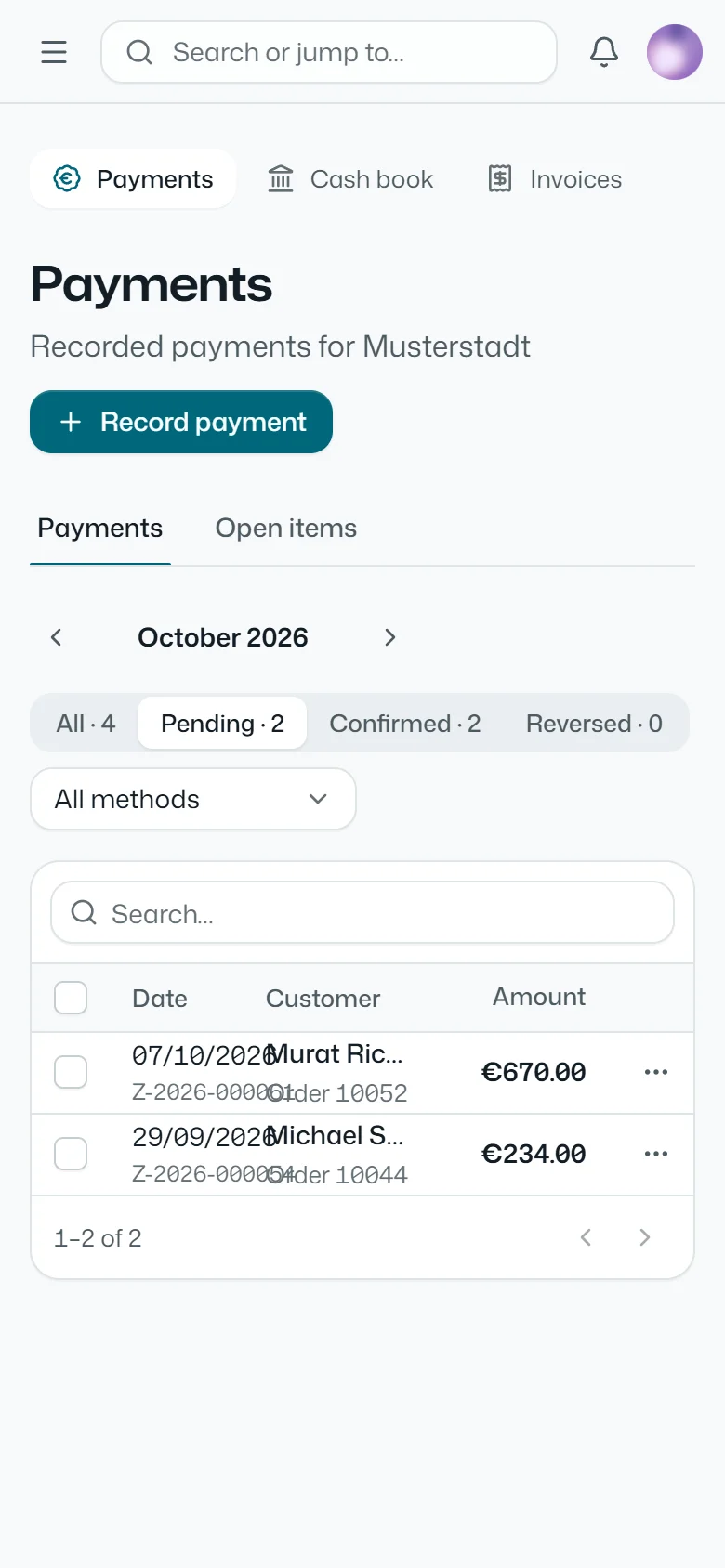
No. FUBEXA does not make payments on the customer’s behalf and does not hold or transfer money. The FUBEXA Finanzen module only records payments: you enter them, FUBEXA analyses them.
Fastest: try it yourself
Open a demo account and see your business with sample data – in a few minutes.
You can open the demo account yourself at any time. If you would rather look at FUBEXA ONE with us first, write to us – the demo doesn’t commit you to anything.
What happens next
We call or write to you and ask how you sell, store and invoice today.
We show you FUBEXA ONE with the modules of your package.